

When I decided to upgrade my thermostat, I wasn’t looking for anything overly complicated. I wanted something that looked good on the wall, let me control the temperature remotely, and worked easily with the smart-home devices I already had. I ended up trying both a Sensi ST25W Lite smart thermostat and LUX TQ1 matter smart thermostat in the same home, 1 for upstairs, 1 for downstairs.
And honestly, comparing them side by side changed what I thought mattered in a smart thermostat.
Both can handle the everyday basics well. But after actually installing and using them, I found myself preferring the LUX TQ1 Matter Smart Thermostat, not because of one flashy feature, but because it felt simpler to live with.
The smaller size looked much better in my space, and most importantly, I didn’t need to download another manufacturer app just to control my thermostat.
Here’s what I noticed after using both.
First, They’re Much More Different in Size Than I Expected
This was the first thing I noticed, and something I probably wouldn’t have paid much attention to if I were only shopping online.
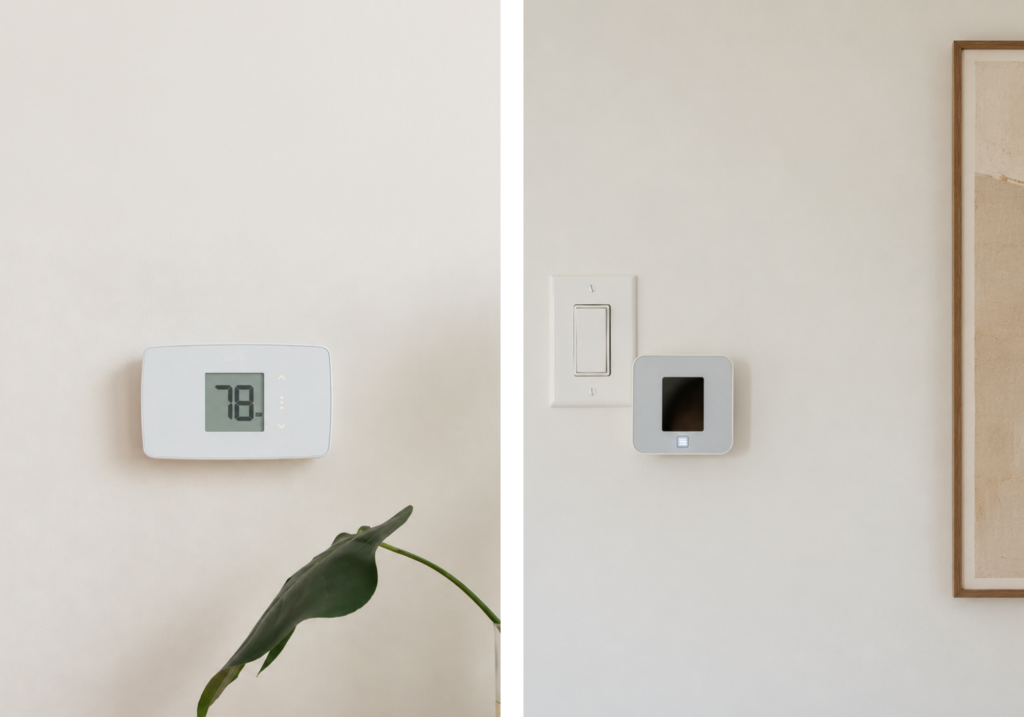
The Sensi is big.
In my home, the thermostat sits relatively close to a light switch. Once I installed the Sensi, the two felt almost crowded together on the wall.
The TQ1 is noticeably more compact at 3.5 × 3.5 inches, and in my particular space, it simply looks cleaner.
This isn’t necessarily a negative for Sensi. A larger thermostat can actually be helpful if you’re replacing an older unit and want to cover holes or paint marks. Some people may also prefer having a larger thermostat on the wall.
But aesthetically? I strongly preferred TQ1 in my home.
It’s one of those details that’s hard to appreciate from product photos alone.
The Bigger Difference for Me: I Don’t Want Another App
This ended up being the deciding factor.
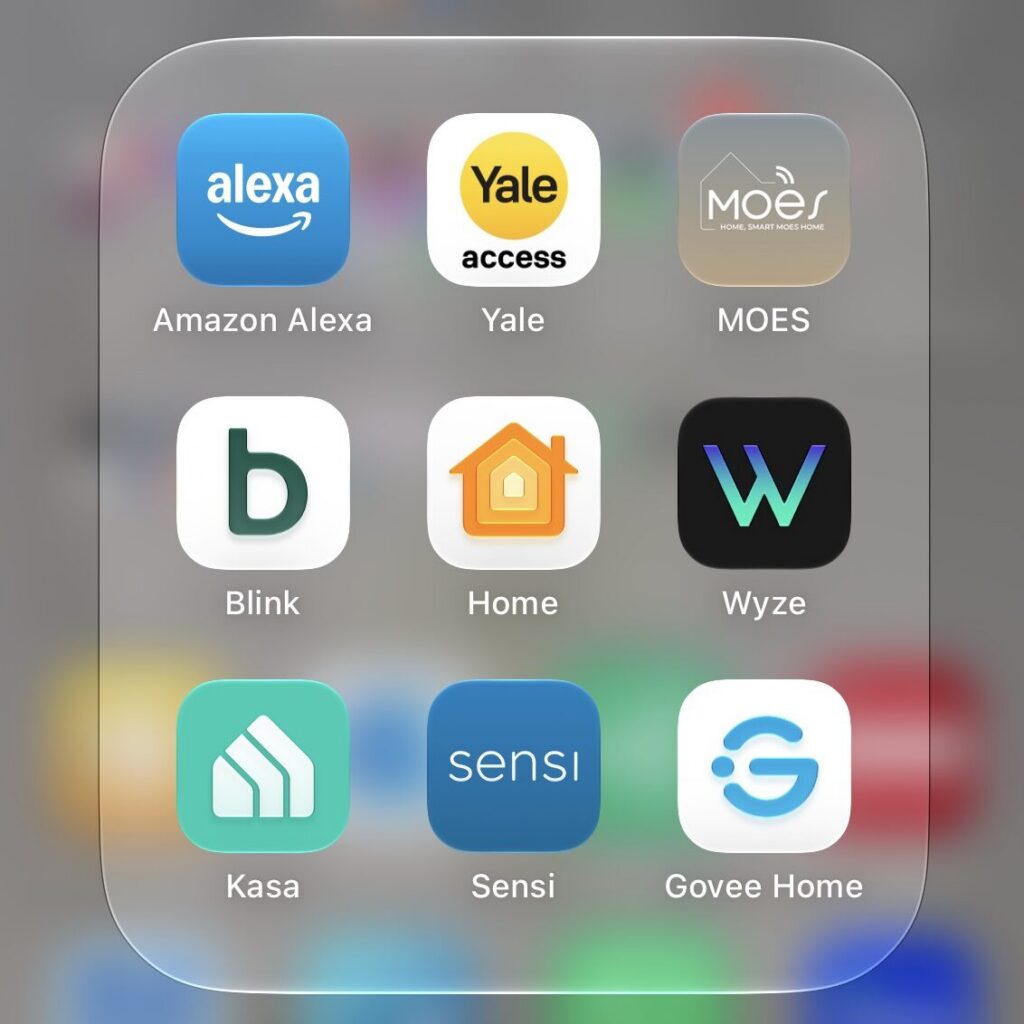
I’ve reached the point where almost everything in the house seems to want its own app.
Smart lights. Cameras. Appliances. Doorbells. And then your thermostat.
Sensi uses the Sensi app for installation and its connected thermostat experience. The app itself has plenty of useful functionality, and Sensi specifically promotes features like scheduling, remote control and HVAC monitoring through it.
But personally, I didn’t want another app.
With the LUX TQ1, there isn’t a separate LUX app I need to use for everyday smart-home control.
TQ1 uses Matter over Wi-Fi, so it can connect directly to compatible smart-home platforms including Apple Home, Google Home, Amazon Alexa and Samsung SmartThings.
For me, that experience makes much more sense.
I already have a place where I control my smart-home devices. Why should my thermostat need its own ecosystem?
What Using Matter Actually Means in Everyday Life
“Matter” is one of those smart-home terms that sounds more technical than it needs to be.
In practical terms, what I like about it is simple. I don’t need a LUX-specific app to make TQ1 part of my smart home. Once connected to a compatible Matter ecosystem, I can manage the thermostat alongside other compatible devices I already use. TQ1 currently supports Matter over Wi-Fi and works with major platforms including Apple Home, Google Home, Alexa and SmartThings.
That also means I’m not choosing my thermostat based entirely on one manufacturer’s ecosystem.
For someone who doesn’t use a smart-home platform already, this difference might not feel as important. For me, it was probably the biggest reason I preferred TQ1.
My pick for smart-home integration: LUX TQ1 Matter Smart Thermostat.
A Few Smaller Features I Appreciate
Beyond the main features, there are a few practical details that make the TQ1 worth considering.
PIN Lockout
The TQ1 has a numeric PIN lockout feature that can prevent unwanted changes to thermostat settings.
With young children at home, I can definitely see the appeal of this feature.
Of course, I wouldn’t keep it locked all the time when my parents are visiting, since easy access is one of the reasons I chose this thermostat in the first place.
But it’s nice to have the option.
Circulator Fan Timer
The thermostat also includes a circulator fan timer, which can periodically operate the HVAC fan to help move air throughout the house.
I think this is a useful feature to know about, especially in homes where air circulation isn’t always ideal.
However, running the fan also uses electricity, so whether it’s beneficial depends on your HVAC system and preferences.
Installation and Compatibility: What to Know Before Buying
The TQ1 is designed for DIY installation, although the actual process depends on your existing HVAC system.
It supports a variety of configurations, including conventional heating and cooling systems with up to two heating and two cooling stages, and heat pumps with up to three heating and two cooling stages.
However, one thing you should check before buying is your thermostat wiring.
The LUX TQ1 Smart Thermostat requires a C-wire for constant power. If your current setup doesn’t have a C-wire, the LUX Power Bridge may be an option for certain compatible four-wire heating and cooling systems with Y and G wires.
The Power Bridge is sold separately, so it’s worth checking your existing wiring before purchasing.
Is the LUX TQ1 Worth It? My Final Verdict
After previously using Google Nest and researching alternatives like Sensi and ecobee, I’m happy with my decision to choose the LUX TQ1.
What I appreciate most isn’t necessarily an advanced feature.
It’s how easy the thermostat is to use.
The touchscreen feels more intuitive than our previous Nest’s touch-sensitive ring, especially for family members who aren’t particularly comfortable with technology.
The compact design works better beside our light switch, and Matter compatibility fits naturally into our Alexa-centered smart home without requiring another dedicated app.
I also appreciate having the flexibility to create schedules, adjust the temperature directly on the device, and keep the basic thermostat functions independent of an internet connection.
Would I recommend it to everyone? Not necessarily.
If you want advanced learning, occupancy-based automation, or wireless room sensors, there are more feature-rich options available.
But if you’re looking for a clean, straightforward smart thermostat that works with Alexa and doesn’t overcomplicate something as basic as controlling your home’s temperature, I think the LUX TQ1 is worth considering.
Sometimes the best smart home devices aren’t the ones with the longest feature lists.
They’re the ones that make everyday life easier without asking you to think about them.
And that’s exactly what I was looking for.
Quick Comparison of LUX TQ1 & Sensi Smart Thermostat
| LUX TQ1 | Sensi ST25W | |
| Overall design | Compact, modern | Larger, traditional |
| Manufacturer app required | No | Yes |
| Smart-home approach | Matter over Wi-Fi | Sensi ecosystem + integrations |
| Apple Home | ✓ | No |
| Google Home | ✓ | ✓ |
| Alexa | ✓ | ✓ |
| SmartThings | ✓ | ✓ |
| Dimensions | 3.5″ × 3.5″ × 1.1″ | 5.07” to 5.1” W x 3.1” |
| C-wire | Required or compatible Power Bridge setup | Can run on battery, but depends on system |
| Best for | Existing smart-home users who want fewer apps | Users who prefer a dedicated thermostat app |
Bottom line: Both handled the core job of being a connected thermostat, but after having them on my own wall, I kept coming back to the same thing: TQ1 feels simpler. Fewer apps, a smaller footprint, and Matter integration made it the better fit for my home.